


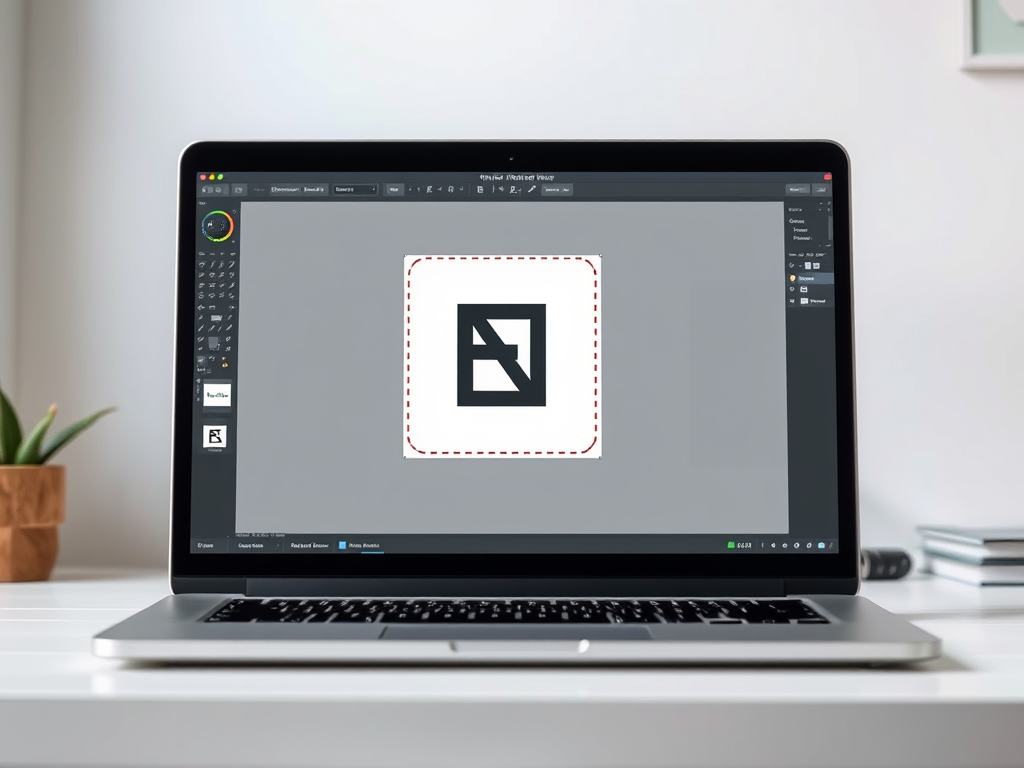
Editing icons may sound simple, but even a small change, such as replacing one letter, can become an unexpected challenge. This story is intended for readers who are not designers or developers. It shows how an icon set can be adapted with free tools, patience, and a little ingenuity.
Why I Did It
For one of my projects, I needed to edit a set of SVG icons by replacing the letter N with E. The task was not as simple as expected because the original N was drawn as a vector path, not as text. In addition, the SVG file used UTF-16 encoding instead of UTF-8. I did not want to install a full vector graphics application for only five icons, so I combined two online editors with some manual work in a plain text editor.
Step 1: Method Draw
I started with Method Draw (https://editor.method.ac) and opened the original icon containing N. I drew the letter E with the editor's tools, but the resulting shape contained unfilled areas. I added rectangles to make the letter solid, which created several separate objects. I then copied the generated SVG code, already encoded as UTF-8.
Step 2: Boxy SVG
Next, I moved on to BoxySVG (https://boxy-svg.com/app). I opened the old icon again, but this time replaced the old code with the SVG code from the first editor. I removed the old N, as well as the temporary E I had used for reference. What remained was the new letter E, now with a rounded form and proper thickness, but built out of multiple objects.
Step 3: Merge into a Single Path
I selected all the objects that formed the letter E and grouped them. This caused a problem because BoxySVG would not let me ungroup the result later. I copied the SVG code again, opened it in a plain text editor such as Notepad, and manually removed the <g> group tags. I then cleaned up the code and removed unnecessary styles.
Step 4: Classes Instead of Inline Styles
To make it easy to change the colors of the icons, I removed inline styles and instead used the existing CSS classes from the old icon. This way, I only needed to change the value in two places to update the icon's color. This made maintenance much easier.
Result
I saved the icons in SVG format, created five color variants, and previewed them in a browser. The results looked correct and are already in use.
ChatGPT suggested the online editors that helped me find a workable approach. The combination of Method Draw, BoxySVG, and a small amount of manual editing in a text editor provided the solution I needed.